PoE Switches in Oman
Cloud-managed PoE switching from 8 to 48 ports for camera systems, access points and IP phones. Specified against your actual power load, not your port count.
- 8 to 48 ports
- 125W to 370W PoE
- 10G uplinks
- Cloud managed
What is a PoE switch?
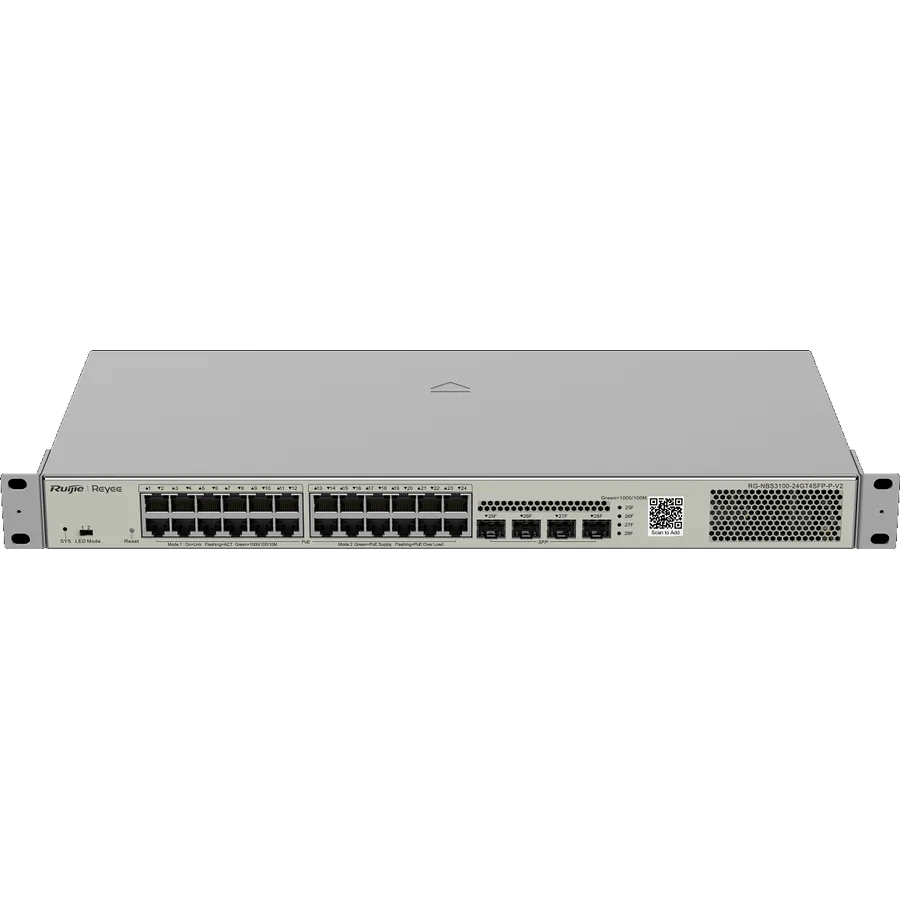
A PoE switch is a network switch that delivers electrical power and data over the same Ethernet cable, so an IP camera or access point needs one cable instead of a network run plus a power socket at the device.
On Oman camera sites that is usually the largest install saving, and the specification that is most often got wrong. Port count is printed on the box. Power budget is on the datasheet. A 24-port switch with a 370 W budget averages about 15 W per port fully loaded: enough for fixed cameras with IR, not enough for a floor of PTZ units with heaters. Elite Infotech supplies Ruijie and Reyee PoE switching across Muscat, Ruwi, Sohar and Salalah and sizes it against the actual draw of the cameras, access points and phones on the job, plus 25 percent headroom.
A 24-port PoE switch is not a 24-camera switch. That is the error we correct at quotation, and it is why this page leads with wattage rather than a product grid.
- Power budget decides camera count, not the number of ports on the front panel.
- Documented NBS PoE budgets in this range: 125 W and 370 W. The 48-port model shares 370 W with the 24-port model.
- PoE is a standard: a Ruijie switch will power a Dahua camera if af/at/bt and the budget match.
How to size a PoE switch properly
How many devices, what they draw, and how much you plan to add later.
Add up the real draw
Use the actual wattage of each camera, access point and phone, not a round number per port. A heater on a rooftop PTZ changes the answer more than another camera does.
Add 25 percent headroom
Sites grow, and the camera nobody mentioned during the survey always appears during commissioning. A switch running at 95 percent of its budget will start dropping power to the lowest-priority ports the moment anything is added.
Check the PoE standard
802.3af delivers up to 15.4 W at the port. 802.3at (PoE+) delivers up to 30 W. 802.3bt delivers up to 60 or 90 W. A large total budget still cannot power a 45 W PTZ if the ports are af-only.
Typical draw by device
| Device | Typical draw | PoE standard |
|---|---|---|
| Fixed IP camera, no illumination | 4 – 8 W | 802.3af |
| IP camera with IR illuminators | 8 – 12 W | 802.3af / at |
| PTZ camera | 15 – 30 W | 802.3at |
| PTZ with heater and wiper | 30 – 60 W | 802.3at / bt |
| Wi-Fi 5 access point | 8 – 15 W | 802.3af / at |
| Wi-Fi 6 access point | 12 – 25 W | 802.3at |
| IP phone | 4 – 7 W | 802.3af |
| Video intercom station | 6 – 13 W | 802.3af |
NBS series: the line we specify most often
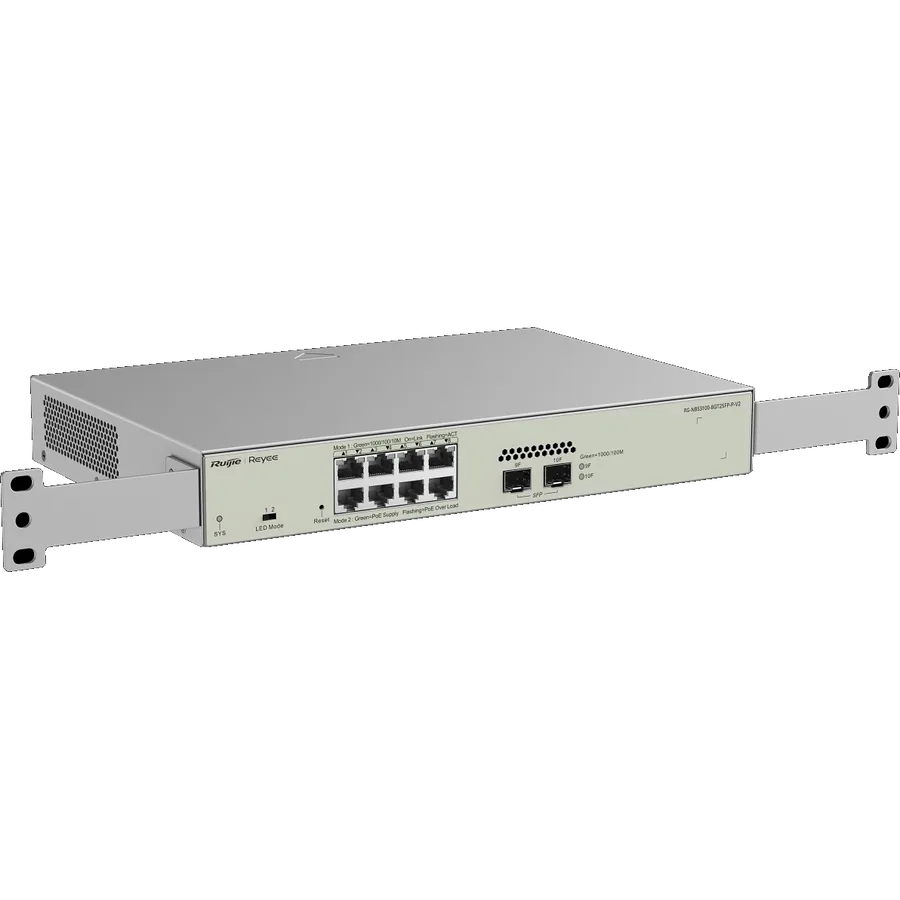
The NBS range is the Layer 2 cloud-managed line for commercial sites in Oman. Stock varies; send the requirement and we confirm availability.
| Model | Ports | Uplinks | PoE budget | Suits |
|---|---|---|---|---|
| RG-NBS3100-8GT2SFP-P-V2 | 8 x Gigabit PoE+ | 2 x SFP | 125 W | Small sites, up to roughly 8 fixed cameras |
| RG-NBS3100-24GT4SFP-P-V2 | 24 x Gigabit PoE+ | 4 x 1G SFP | 370 W | Mid-size commercial, mixed camera types |
| RG-NBS3100-48GT4SFP-P-V2 | 48 x Gigabit PoE+ | 4 x 1G SFP | 370 W | High port count, low average draw per port |
| RG-NBS3200-24GT4XS-P-V2 | 24 x Gigabit PoE+ | 4 x 10G SFP+ | 370 W | Where the uplink to the NVR needs 10G |
| RG-NBS3200-24SFP/8GT4XS | 24 x SFP, 8 combo RJ45 | 4 x SFP+ | Non-PoE | Fibre aggregation, distribution layer |
Read the 48-port model carefully
It carries the same 370 W budget as the 24-port model across twice the ports: roughly 7.7 W per port fully loaded. That is a switch for IP phones and low-draw fixed cameras, not for a floor of PTZ units. Specifying it by port count alone is exactly the mistake this page opens with.
Smart and desktop switches: ES series
The ES range covers smaller sites and desktop deployments, including cloud-managed and lightning-protected variants. LP-suffix models add lightning protection, which is a genuine selling point on Oman sites with outdoor camera runs.
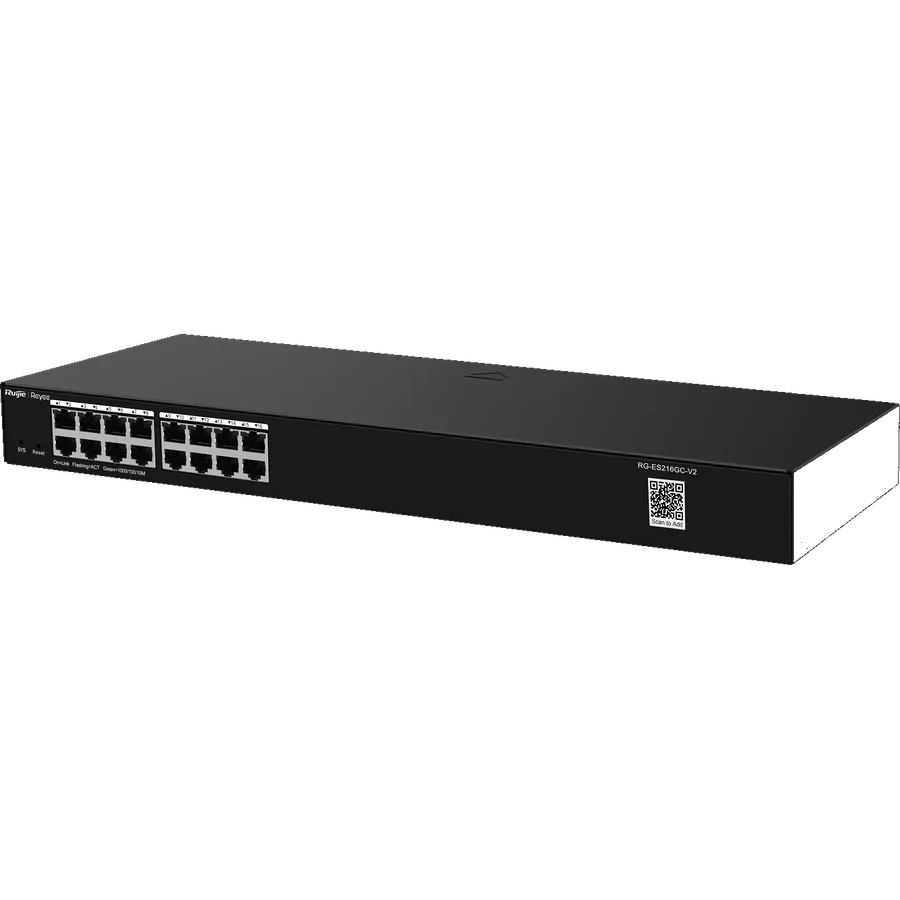
Two models we publish in full: RG-ES05G-L, a 5-port Gigabit desktop switch (non-PoE), and RG-ES216GC-V2, a 16-port Gigabit smart cloud switch. The remaining ES PoE models are specified against the datasheet at quotation: we do not publish inferred port counts.
Where these switches go in Oman
- Dahua IP camera deployments: the switch powers the cameras and carries video to the NVR
- Office networks with desk phones and access points on the same infrastructure
- Hotels and residential compounds, where the LP variants suit exposed cable runs
- Retail and warehouse sites needing a mix of camera and Wi-Fi coverage
- Education campuses aggregating multiple buildings over fibre uplinks
See also Dahua IP cameras in Oman and Dahua NVR systems, and the access points these switches power. Linking remote buildings or a gatehouse? See Ruijie wireless bridges and the Ruijie business routers that sit at the edge of the network.
Frequently asked questions
What is a PoE switch?
A network switch that delivers electrical power and data over the same Ethernet cable. An IP camera or access point connected to one needs a single cable rather than a network run plus mains power at the device, which removes most of the electrical work from a camera installation.
What does PoE mean in CCTV?
It means each camera draws its power from the switch through its network cable. Practically, it means you do not need a power socket at every camera position, cameras stay powered through a UPS on the switch during outages, and you can reboot a camera remotely by cycling its port.
How many cameras can a 24-port PoE switch support?
Up to 24 by port count, but the real limit is the power budget. At 370 W across 24 ports you have roughly 15 W per port: enough for fixed cameras with IR, not enough for a full load of PTZ units with heaters. Add the actual draw of your cameras and specify against that.
What is the difference between 802.3af, at and bt?
They are PoE standards defining how much power a port can deliver. af provides up to 15.4 W, at (PoE+) up to 30 W, and bt up to 60 or 90 W. Check both the total switch budget and the per-port standard: a large budget does not help if the ports are af-only and your camera needs at.
Do I need a managed or unmanaged switch?
For a straight camera run into an NVR, unmanaged works. Managed becomes worth it when you want VLANs to separate camera traffic from office traffic, remote port control, or visibility into which device is drawing what. On any site with more than one system sharing the network, specify managed.
Can Ruijie switches power Dahua cameras?
Yes. PoE is a standard, so any compliant switch powers any compliant camera regardless of brand. Match the standard and the budget to the cameras.
Get Your Switch Sized Against the Actual Load
Send your device list: camera models, access points, phones. We calculate the port count and power budget and quote against it, with headroom built in.